Phishing scams are one of the largest security threats to your business right now!
A massive 83% of all organisations have said that they have suffered from phishing attacks in the last 12 months alone. And with around a third of phishing emails just being opened, the chances that someone in your business will click on the link and get caught out are high.
To make this even more difficult, cybercriminals have decided to burrow a technique from the ransomware groups. This technique is designed to panic people into handing over their login details with a deadline or the account will be closed, or a payment will be authorised.
This kind of phishing attack begins like most others.
You get an email stating that you have suspicious activity on your account. It could say that someone is attempting to log into your account from a different location or device and that the sign-in has been blocked.
They will then ask you to click a link to verify if this was you and request your email address and password for verification.
That’s scary enough as everyone gets told not to hand out their passwords or emails, right?
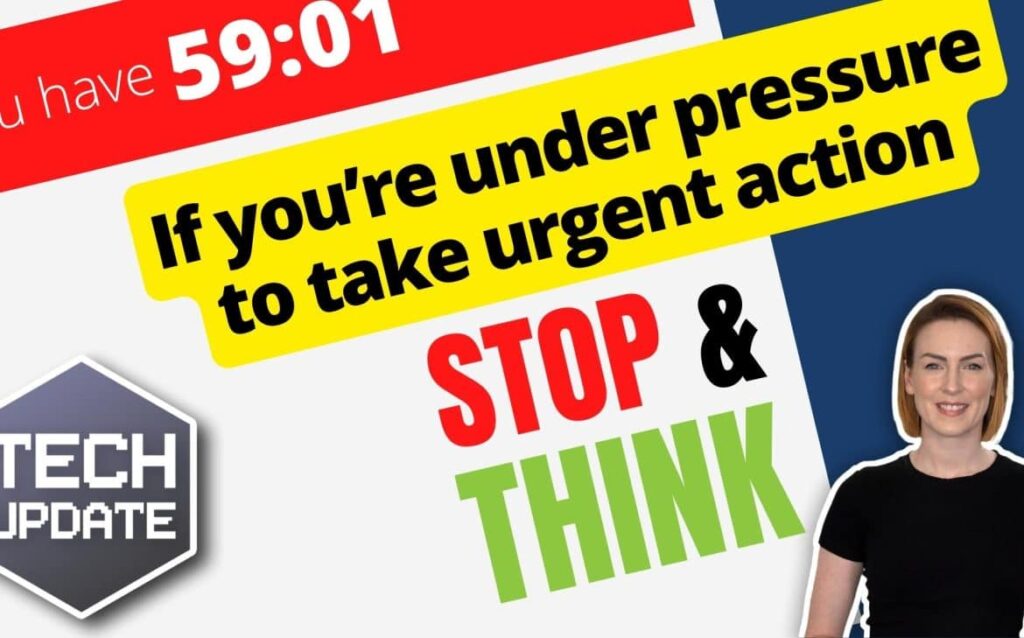
What makes this phishing attack even more dangerous, is the new countdown timer that appears once you’ve clicked the link.

Most of the time, it’s set to an hour. You’re asked to confirm your details before the timer hits zero, otherwise, your account is going to be deleted.
Yes, you read that right, Deleted. This catches a lot of people’s attention to action it as soon as possible.
This is such a powerful manipulation tactic that is designed to scare people into acting straight away and then thinking about it later.
Want to know what happens when the timer hits zero? NOTHING
But watching that timer count down can sometimes give you that sense of urgency to forget to check if the email is real or not.
The page that you’re entering your details on is a fake page. It may look real but check the URL, if it doesn’t look right then contact your IT support company.
Criminals will steal your details and log in to your real account if you enter anything into it. After clicking sign in or verify, in most cases, it’ll then send you to the real website login page.
You’ll be at risk of data theft, financial loss, or malware infections, as well as potentially putting other accounts at risk if you’ve used the same password and email.
Your login details could potentially be sold on the dark web, giving other cybercriminals the opportunity to log into your account and start sending hundreds of emails asking for money.
Here are some basic steps to take to protect you and your team
Look at the email address that it was sent from. Does it look legit? Are there spelling and grammar mistakes? Hover over the links to see exactly what the website address looks like.
If you think you’ve fallen for this kind of scam, it’s important to change your login details straight away. Don’t click any link in an email that doesn’t look right.
We’d also highly recommend using a password manager such as LastPass. This type of software securely stores and encrypts your credentials for accounts and generates long and complex passwords that are impossible to guess.
It will store all these passwords for you and autofill login boxes to save you time. (Yes, LastPass or other password managers can detect when they’re being asked to fill in details on different types of pages)
It is a good idea to share this article with your entire team to keep their Cyber Hygiene up to date. If anyone ever clicks on a link they’re not sure about, then contact us and ask us about our Cyber Security services. We also provide 365 Total Protection for your Microsoft Emails and Online storage.